
After logging in to the system, you will be directed to the main dashboard.
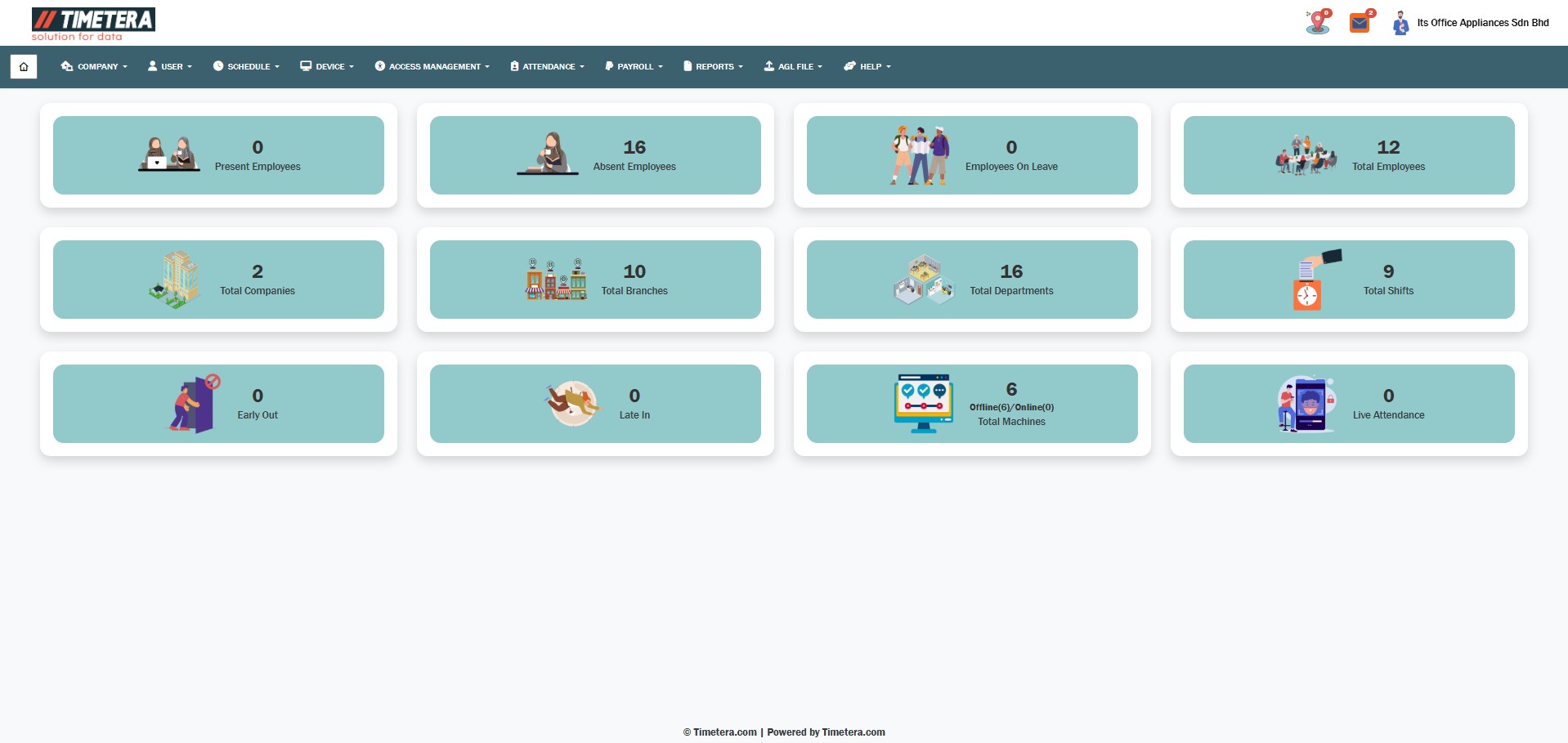
To begin setting weekly off days for users, please follow these steps carefully.
Step 1: Navigate to the Update Weekly Off Section #
Go to the top menu and click:
Attendance > Attendance > Update Weekly Off
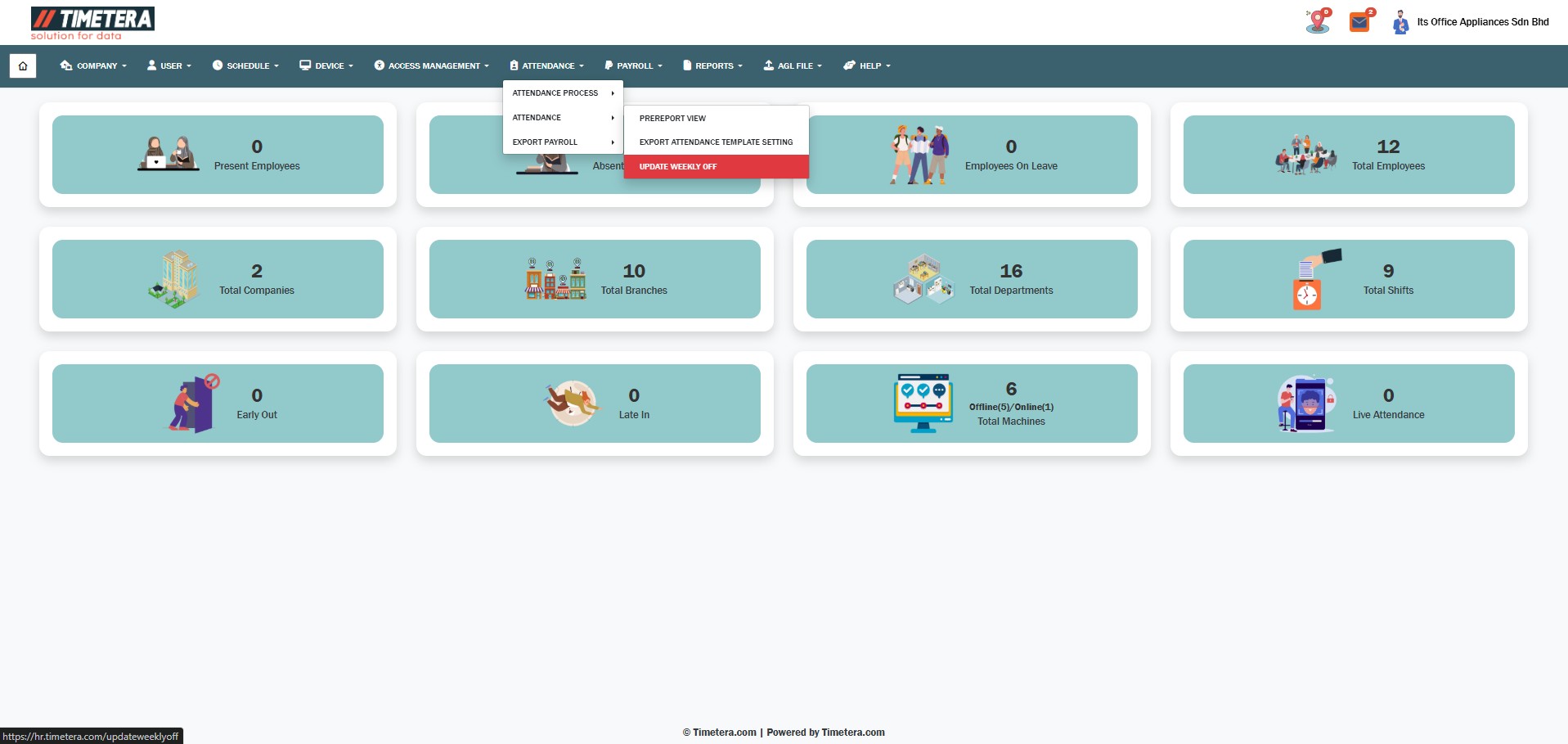
This section allows you to manage user off day.
Step 2: Select User #
From the checkboxes, select the users you want to update weekly off days for. You can select multiple users.
Step 3: Choose Date #
Choose your weekly off days. You can select multiple dates by clicking on the days you want off.
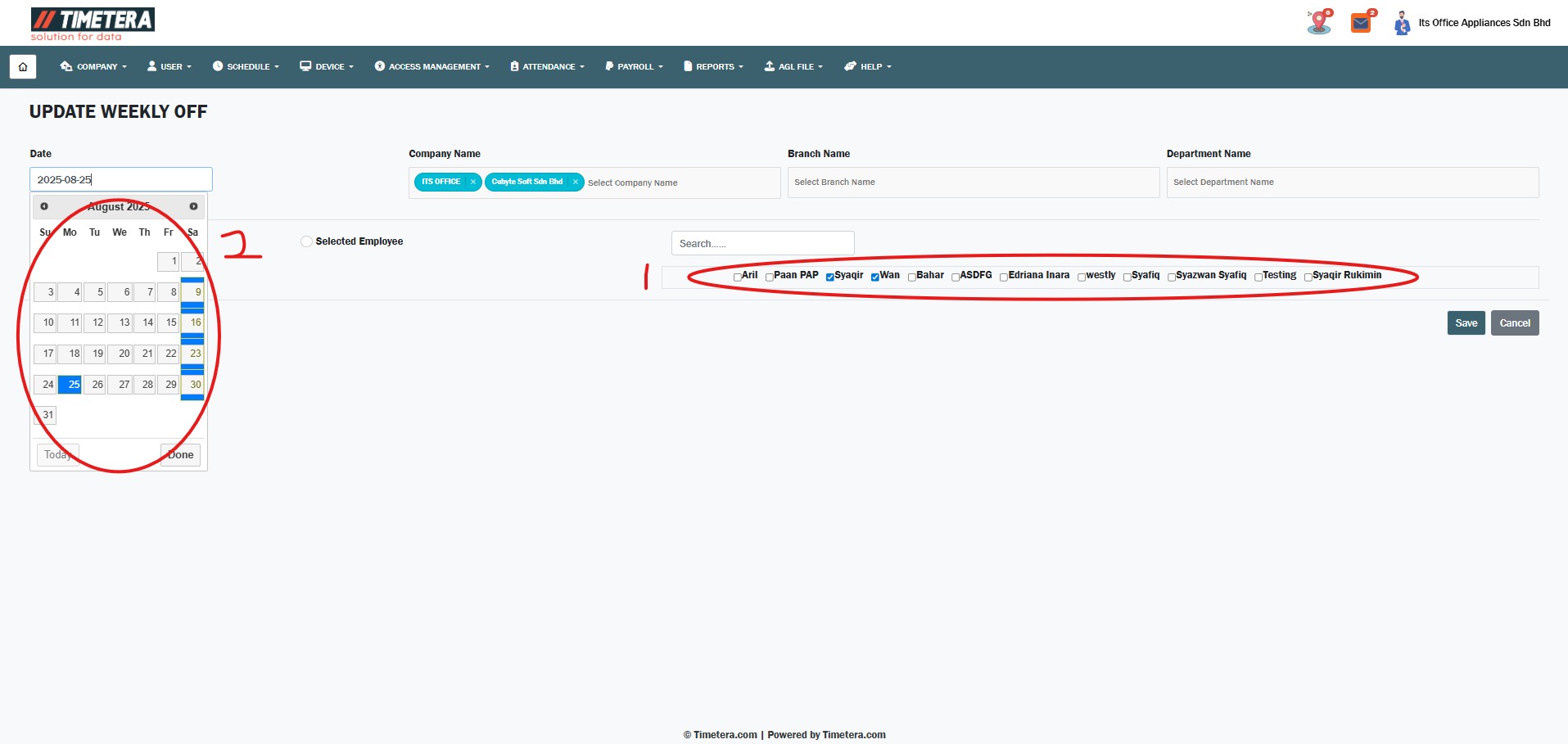
After making your selections, click the ‘Save’ button to confirm.